
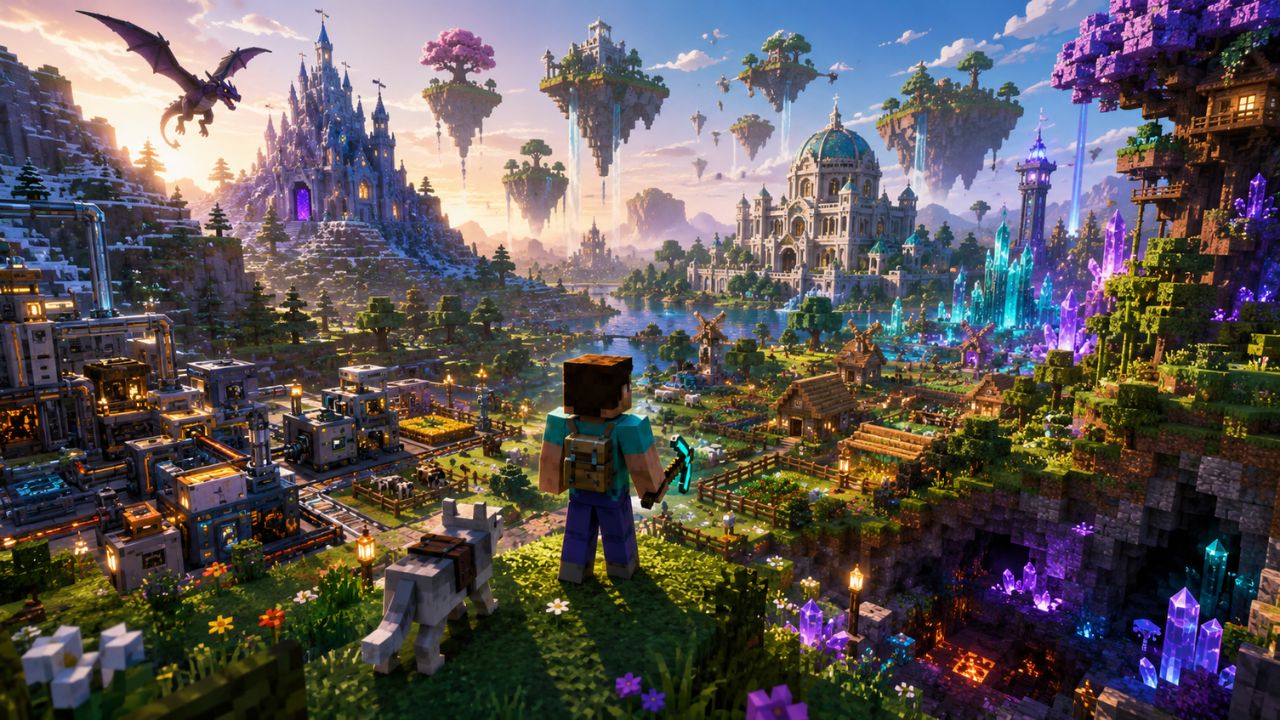
The best Minecraft mods for 2026 focus on high-performance optimization, immersive world-building, and complex mechanical automation that bridges the gap between indie charm and AAA fidelity.
This year, the community has shifted toward “Vanilla+” experiences that enhance the base game without breaking its core identity, alongside massive overhauls that turn the sandbox into a full-fledged RPG or industrial simulator.
Key Takeaways
- Performance is King: Mods like Sodium and Iris are now mandatory for stable 4K gameplay and ray-tracing effects.
- The “Create” Era: The Create mod remains the gold standard for players who want mechanical automation that looks like it belongs in the game.
- RPG Overhauls: Modpacks are increasingly leaning into “soulslike” combat and deep skill trees.
- Cross-Platform Parity: Most top mods are now built for high-performance loaders that work across different PC hardware configurations.
- AI Integration: 2026 has seen a rise in mods that use local AI to give NPCs more realistic dialogue and behavior.
What are the Best Minecraft Mods for 2026 for performance?
To get the best experience in 2026, you must prioritize performance-enhancing mods that allow your hardware to handle high render distances and complex shaders. These mods replace the outdated rendering engine with modern code that utilizes your GPU more efficiently.
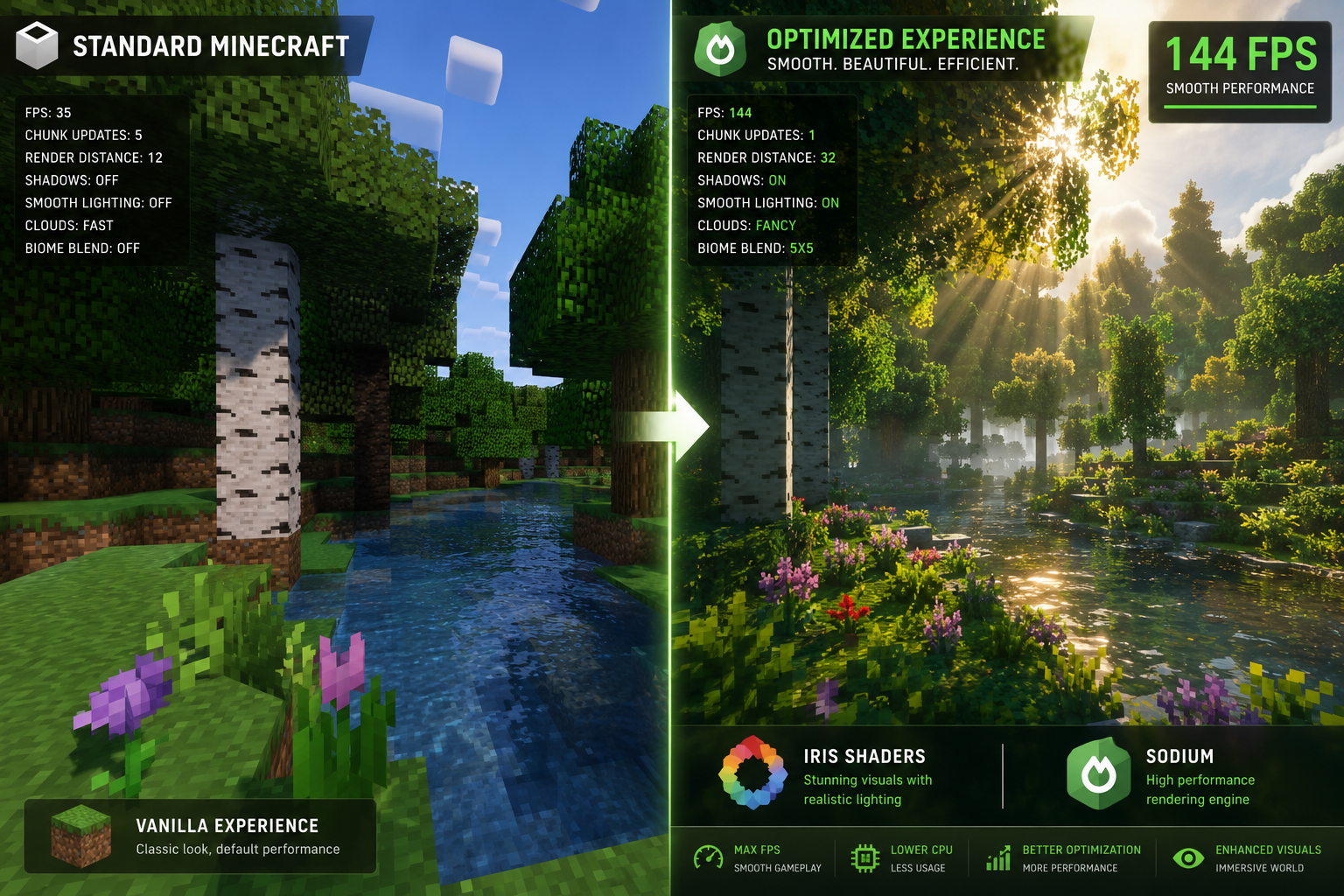
If you want a smooth experience, choose Sodium if you are using the Fabric loader, or Rubidium if you are on Forge. These mods can often double or triple your frames per second (FPS) by optimizing how the game draws chunks. I remember the days when 12-chunk render distance would make my laptop scream; now, with these tools, I’m cruising at 32 chunks without a stutter.
Top Performance and Utility Picks
- Sodium: The definitive rendering engine replacement. It’s the reason many players switched to Fabric.
- Iris Shaders: Allows you to run beautiful shader packs with significantly better performance than the old Optifine method.
- Lithium: A general-purpose optimization mod for the physics engine and AI, reducing “tick lag.”
- Distant Horizons: A literal game-changer that allows you to see miles into the distance using “Simplified” blocks, creating breathtaking vistas.
- Starlight: Rewrites the light engine to speed up lighting updates, which is essential if you do a lot of large-scale building or TNT blasting.
“Optimization isn’t just about higher numbers; it’s about the stability that lets you get lost in the world without the immersion-breaking stutter.” — Senior Mod Developer, 2026 Community Summit.
Pro Tip: Avoid using Optifine in 2026 for modern versions. While it was the king for a decade, the Sodium/Iris combination is now more stable and offers better compatibility with other mods.
Which content mods provide the most replayability in 2026?
Replayability in 2026 comes from mods that add “living” elements to the world, such as complex ecosystems, mechanical systems, and evolving structures. These mods ensure that no two worlds feel the same and that there is always a goal to work toward.
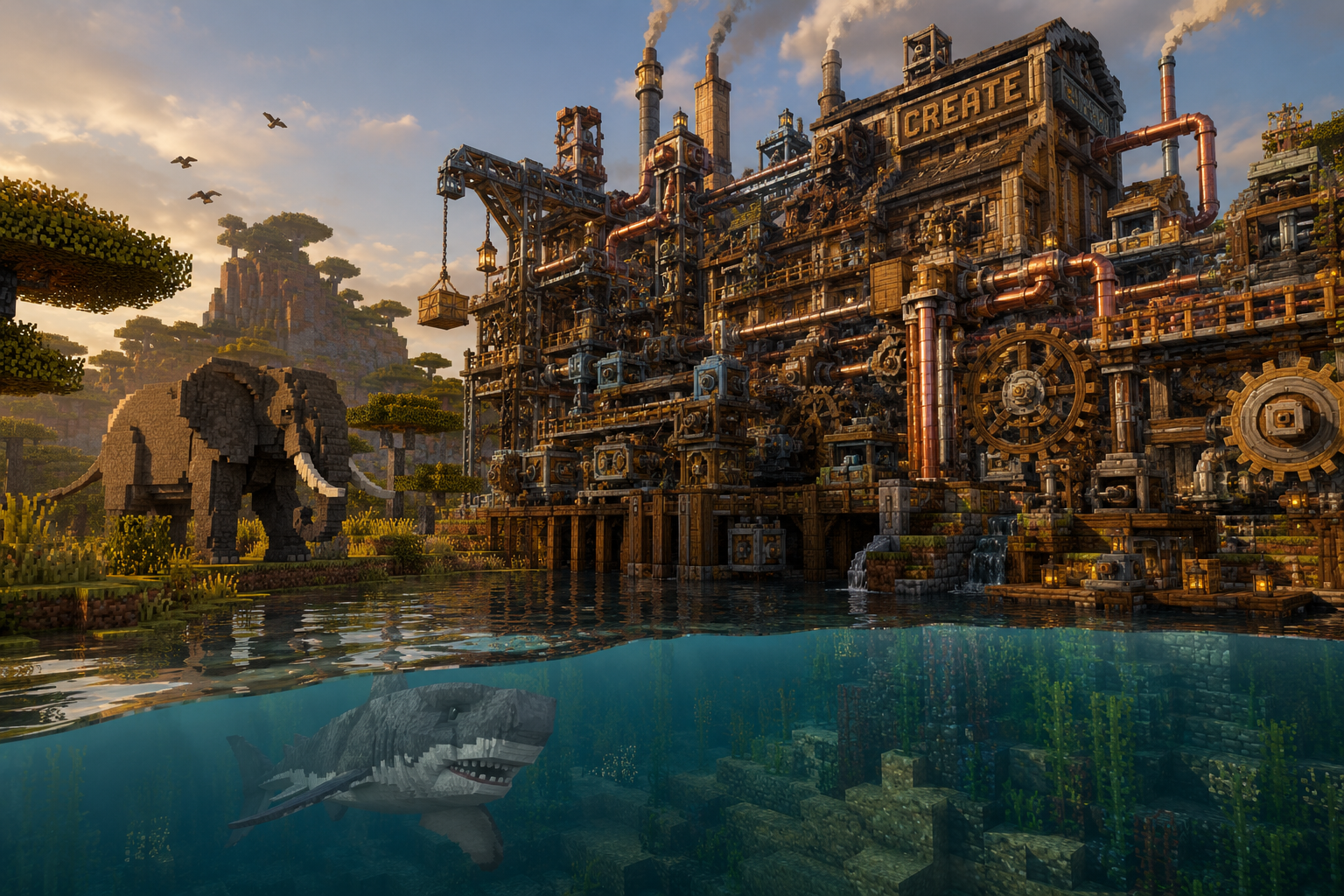
For players who love engineering, the Create Mod is the absolute peak of 2026 modding. It uses rotational force—gears, belts, and windmills—to automate everything from bread-making to ore processing. It feels like a natural extension of Minecraft’s “Redstone” logic but looks much more impressive. If you prefer exploration, Alex’s Mobs adds dozens of creatures with unique behaviors that make every biome feel like a National Geographic documentary.
Top Content and Exploration Picks
- Create: The ultimate “steampunk” engineering mod.
- Alex’s Mobs: Adds over 80 new animals, from grizzly bears to giant squids, each with unique drops and mechanics.
- The Twilight Forest: A classic that has been perfectly updated for 2026, offering a dark, enchanted dimension filled with bosses and dungeons.
- Biomes O’ Plenty: Still the best way to add variety to your world with over 50 new biomes.
- Waystones: Solves the travel problem by letting you build teleportation hubs (essential for navigating massive Minecraft seeds).
- Farmer’s Delight: Expands the cooking system into something meaningful, giving you reasons to grow diverse crops.
- Minecolonies: Turn your survival game into a city-builder where NPCs build and defend a town you design.
- Aquaculture 2: Makes fishing actually fun by adding over 30 new fish and specialized loot.
Common Mistake: Many players install too many biome mods at once. This can lead to “biome smear,” where you never find the specific materials you need because the biomes are too small and varied. Stick to one major biome mod per world.
How do you transform Minecraft into a modern RPG in 2026?
Transforming Minecraft into an RPG requires a mix of combat overhauls, aesthetic blocks, and progression systems that reward long-term play. In 2026, the trend is “Integrated RPG,” where the UI is clean and the mechanics feel like they were built into the game from day one.
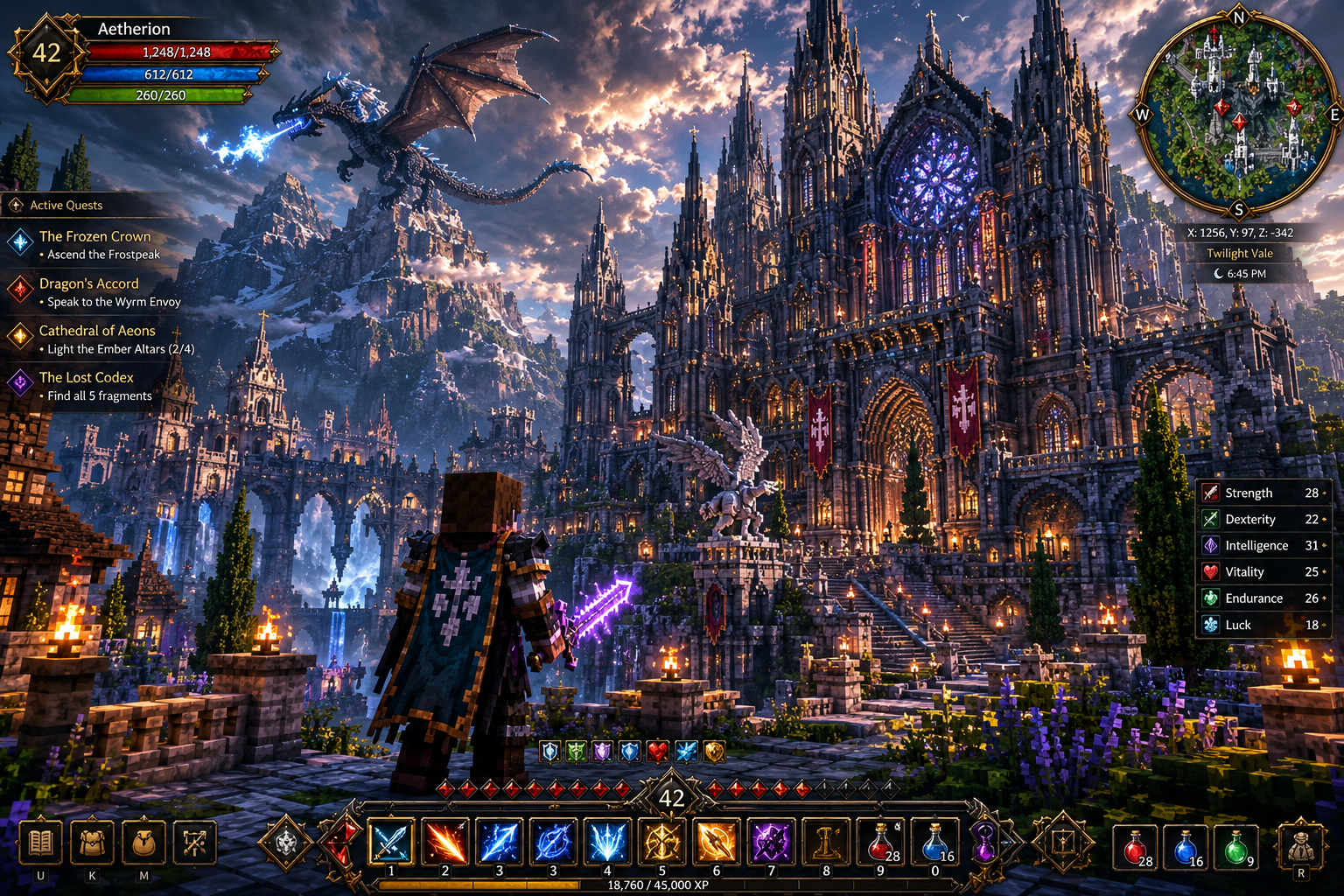
To start, you’ll want Better Combat, which introduces weapon swinging animations and hitboxes similar to modern action games. Combine this with Chipped, which provides thousands of new textures for standard blocks, allowing you to build incredibly detailed medieval castles or gothic ruins. I recently spent three weeks building a wizard’s tower using these mods, and the level of detail was something I couldn’t have achieved in vanilla even with free premium accounts.
Top RPG and Aesthetic Picks
- Better Combat: Replaces “click-spamming” with timed strikes and combos.
- Chipped: Adds a workbench that lets you turn a single stone block into 20+ different variants.
- Xareo’s Minimap: The cleanest, most reliable map system for 2026.
- Ars Nouveau: A magic mod that lets you “build” your own spells, making you feel like a true mage.
- Iron’s Spells ‘n Spellbooks: Adds high-quality, cinematic magic combat that feels very “Elden Ring.”
- When Dungeons Arise: Generates massive, sprawling fortresses and airships that provide a real challenge.
- Lootr: Ensures that every player in a multiplayer world gets their own loot from chests, preventing “loot stealing.”
- Artifacts: Adds powerful, uncraftable items found only in world chests to encourage exploration.
- Sophisticated Backpacks: The gold standard for storage, allowing you to upgrade your inventory as you progress.
- Supplementaries: Adds hundreds of tiny details like hanging signs, jars, and globes that bring your builds to life.
- Voice Chat Mod: If you play multiplayer, this adds proximity voice chat, making social interactions much more immersive.
- Origins: Let’s you choose a “race” at the start (like Enderian or Merling), giving you unique buffs and nerfs.
Comparison: Forge vs. Fabric in 2026
| Feature | Forge | Fabric |
|---|---|---|
| Best For | Large, heavy “Expert” modpacks | High performance and “Vanilla+” |
| Loading Speed | Slower, but handles complex inter-mod logic better | Extremely fast startup times |
| Popular Mods | Create (Full), Twilight Forest | Sodium, Iris, Origins |
| Stability | High for long-term worlds | Excellent for modern hardware |
Choose Fabric if you want the smoothest frame rates and a “refined” feel. Choose Forge (or the newer NeoForge) if you want the absolute deepest technical and magic mods. While indie games are competing with AAA titles in 2026, a modded Minecraft instance often offers more content than both combined.
FAQs: Frequently Asked Questions about 2026 Minecraft Modding
Are these mods compatible with the latest 2026 Minecraft updates?
Yes, most of these mods are updated within weeks of a major Minecraft release. However, always check the version number on sites like CurseForge or Modrinth before installing.
Do I need a high-end PC to run the best Minecraft mods for 2026?
Not necessarily. Mods like Sodium and Lithium actually make the game run better on low-end hardware than the vanilla game does. However, “Distant Horizons” and heavy shader packs will require a decent GPU.
Can I use these mods on a console like PS4 or Xbox?
Unfortunately, “true” mods remain exclusive to the Java Edition on PC. Consoles use the Bedrock Edition, which supports “Add-ons” from the marketplace, but they are more limited. For a breakdown of platforms, check out our guide on PlayStation vs Xbox vs PC.
What is the best way to install mods in 2026?
The most efficient way is using a third-party launcher like Prism Launcher or the CurseForge App. These allow you to create “instances” so you can have one world for RPG mods and another for technical mods without them clashing.
Are mods safe for my computer?
As long as you download from reputable sources like Modrinth or CurseForge, mods are safe. Never download “.jar” files from random websites or “free cape” advertisements.
Will mods break my existing survival world?
Adding performance mods is usually safe. However, adding content mods (like new biomes) can cause “chunk borders” where the old terrain meets the new. Always back up your world before adding new mods.
Final Words
The landscape of the best Minecraft mods for 2026 is all about personalization. Whether you are turning your game into a hyper-realistic nature simulator or a complex industrial powerhouse, the tools available today are more stable and accessible than ever before. If you’re just starting, I recommend beginning with a performance suite (Sodium/Iris) and one major “anchor” mod like Create or Alex’s Mobs to avoid feeling overwhelmed.
Ready to start your next adventure? Make sure your setup is optimized for the best visuals. If you’re a content creator, don’t forget to check out the best software for gamers to live-stream so you can share your modded creations with the world. Now, get out there and start mining!